Learn why 3D design teams prefer offline meetings and how Surfee boosts efficiency with selective file sharing and real-time feedback.

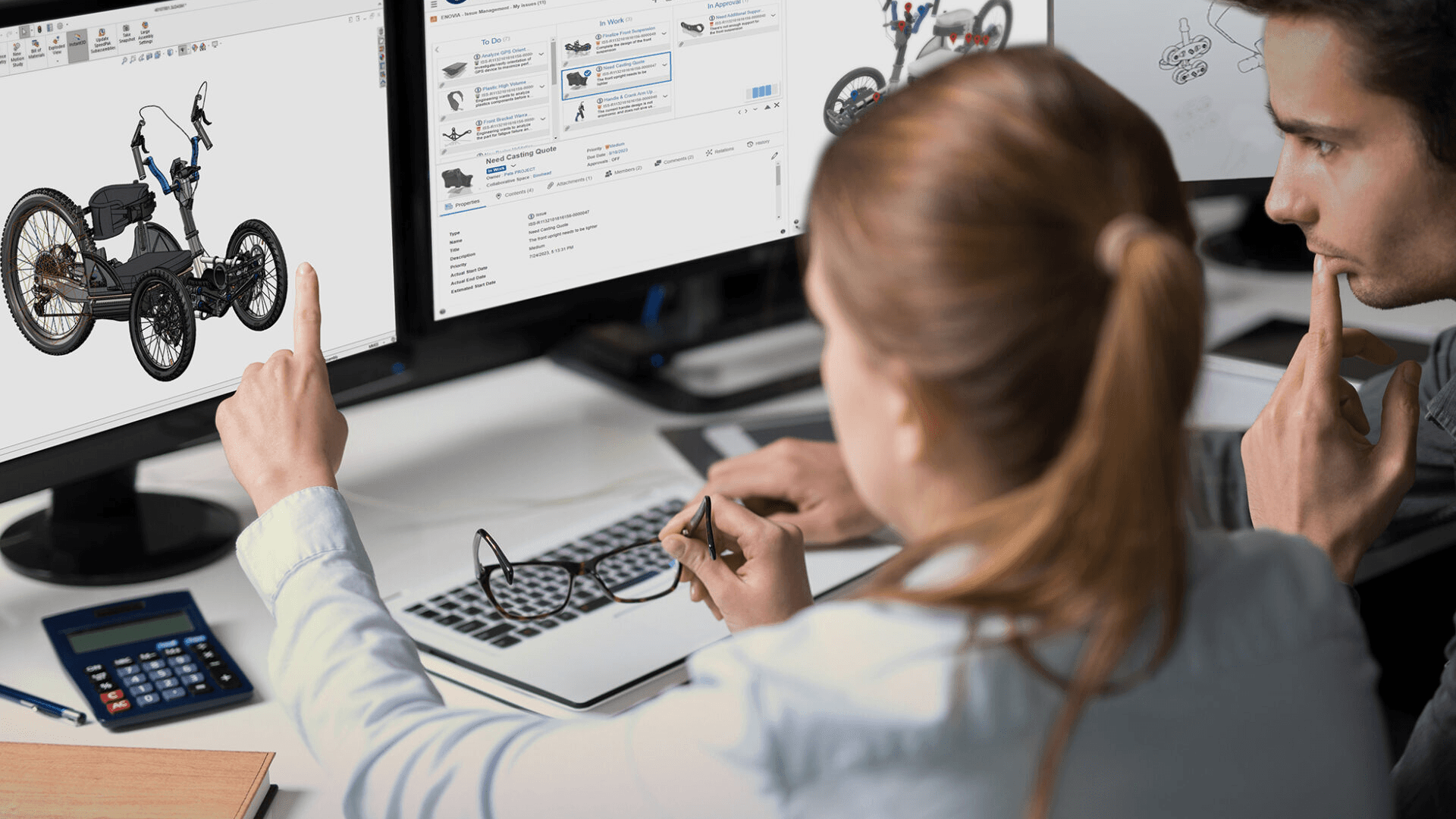
In 3D design teams, you often hear the saying, "We need to meet face-to-face to get real work done." Given the nature of wrestling with intricate 3D models and refining details, many teams stick to offline meetings despite advances in online collaboration tools. Why do so many teams hesitate to switch to online? This isn't just a matter of habit—it's often tied to the unique practical context of 3D design. In particular, small teams frequently balk at online transitions due to the hassle of file sharing.
The Practical Appeal of Offline Meetings
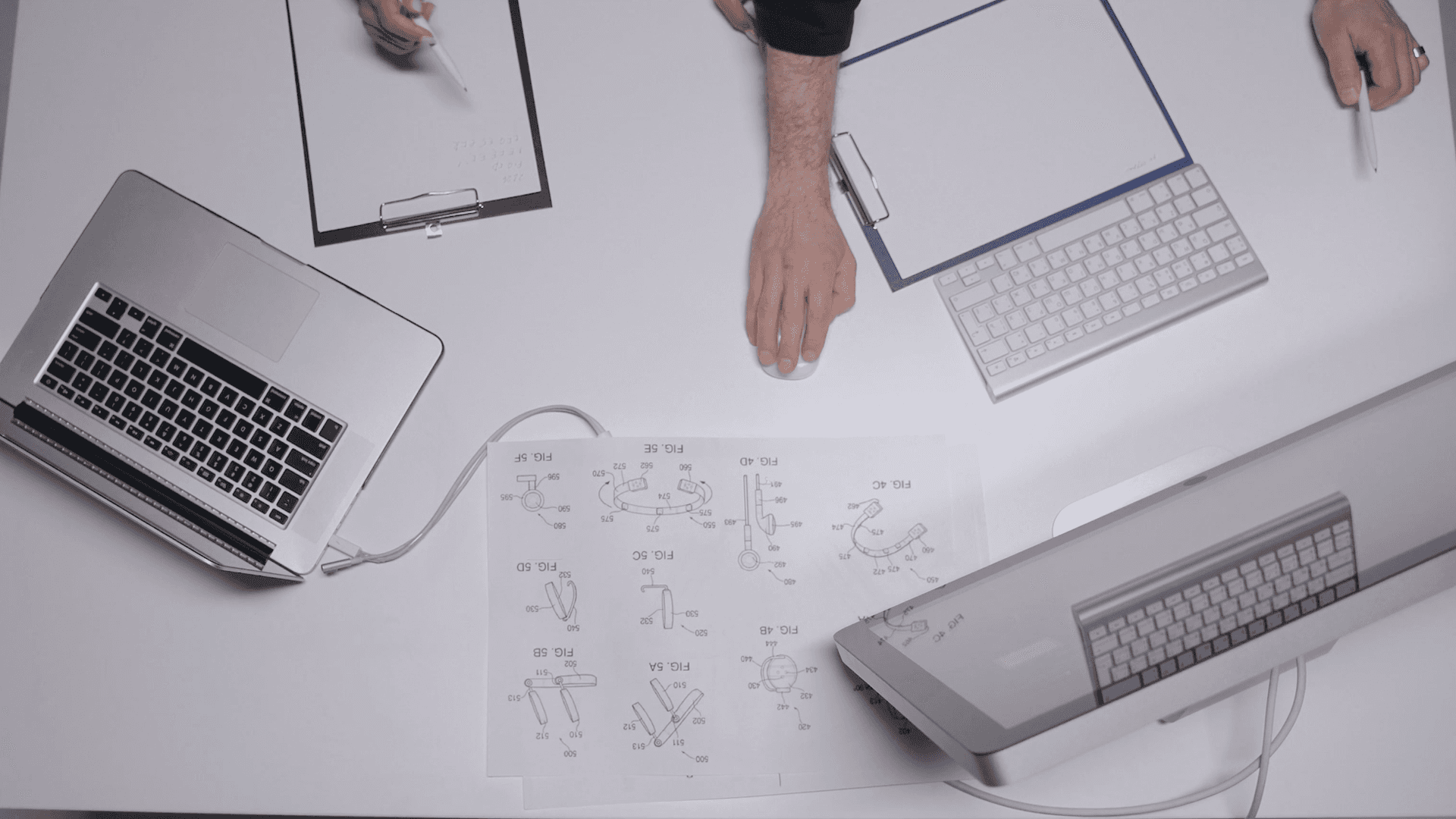
There are two main reasons 3D design teams favor offline meetings. First, for small teams, setting up and maintaining an offline environment is often cheaper than subscribing to online tools. Second, it's the efficiency of immediate feedback when everyone gathers in one physical space.
For instance, imagine a collaboration where someone needs to tweak a specific part of a 3D model. Sharing screens online means tediously opening countless files to find the right section. But offline, everyone looks at the same screen and instantly exchanges ideas like, "What if we adjust this part like this?"—solving issues in real time. This intuitive communication style is deeply embedded in 3D collaboration workflows. However, verbal decisions or subtle revision requests are hard to record clearly, often leading to confusion and delays in the post-meeting workflow.
Surfee Tips for Online Workflow Supplements
After an offline meeting, communicating with clients via rendered shots alone can lead to vague feedback, causing repeated opinion adjustments and project delays. Why not try supplementing this inefficiency with a 3D collaboration tool like Surfee?
Set Up Only the Necessary Files Selectively

When uploading a 3D model viewed together in an offline meeting to Surfee, avoid uploading the entire file—instead, share only the parts you want clients or colleagues to see. For example, this helps avoid the fatigue of lugging a laptop with full work files around, or issues where 3D doesn't run smoothly on tablets. It also lets you show just the essentials without exposing sensitive design info, reducing unnecessary communication loops.
Record Feedback with Real-Time Comments and Notes
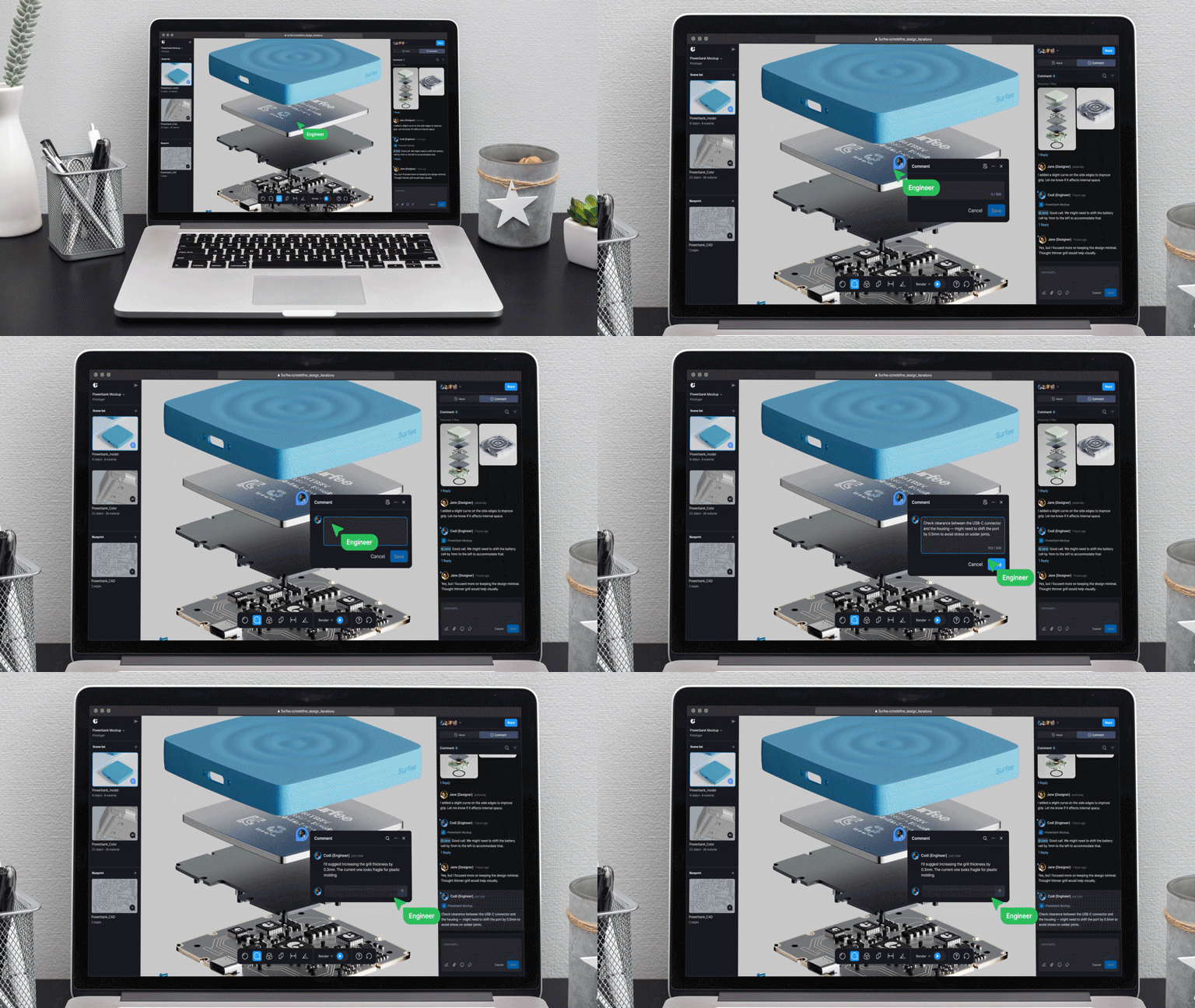
Capture opinions exchanged during the meeting using Surfee's comment feature right away. Pin notes to specific parts of the model, so feedback stays accurate even after the meeting, minimizing mix-ups. For example, it's recommended to note specifics like "Smooth out this edge a bit more."
Share this Surfee with all the discussion content via a simple link to the client—no separate installation needed. They can view the 3D model on the web and add comments. This way, you can check feedback, update revisions, and keep everything in the 3D model and comments for clear context without issues. It effectively reduces communication stress from feedback delays.
Conclusion: Keep Offline Strengths, Boost Efficiency
For 3D design teams, offline meetings aren't just a collaboration method—they're the core of fast, intuitive practical work. But relying solely on offline can create inefficiencies in post-meeting communication.
By maintaining the intuitive communication strengths of offline meetings and using Surfee to address file sharing hassles and feedback delays, your collaboration workflow can become smoother. Why not try incorporating this online supplement approach?