Understand why web-based 3D tools struggle with STEP files, favoring glTF/GLB, and learn practical conversion solutions for CAD users.

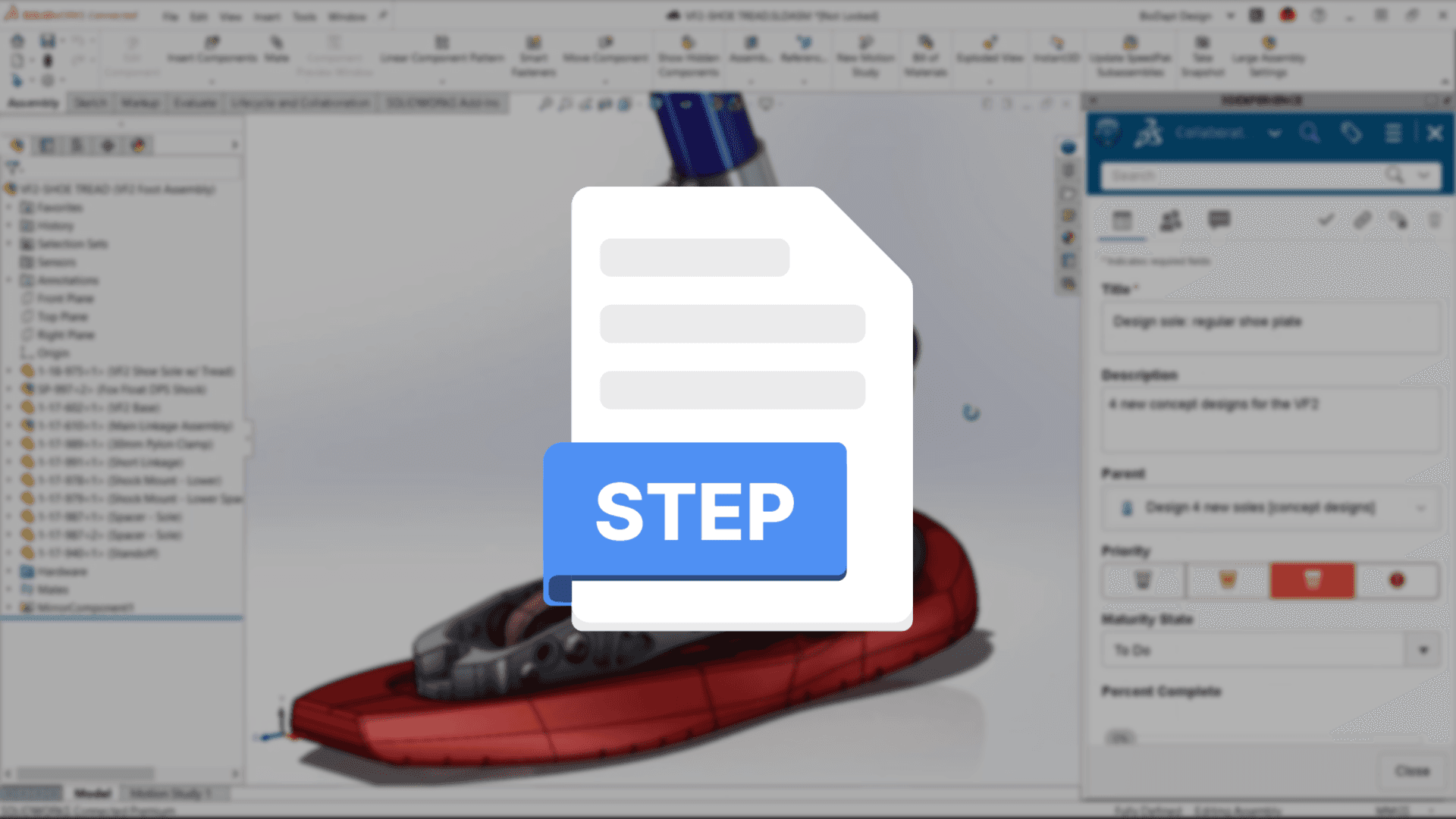
In recent years, the rise of web-based 3D collaboration tools has made it far easier to share files and get feedback without physical constraints. This has made workflows for industrial and product designers more flexible. However, CAD users often encounter a frustrating "unsupported format" message when trying to upload a common STEP file to a web-based 3D tool, causing collaboration delays.
It's easy to share and review lightweight 3D models online, but why is it so hard to handle CAD files? Let’s take an industry look at why web-based 3D tools prefer certain formats and the limitations of the STEP format.
Why Web-Based 3D Prefers glTF and GLB

For 3D graphics to render on the web, WebGL technology is essential. WebGL is an open-source standard that helps web browsers display 3D graphics without needing separate plugins, enabling 3D models to be shown directly in the browser.
The file formats most optimized for the WebGL environment are glTF (Graphics Library Transmission Format) and its compressed version, GLB. Both are designed to efficiently transfer and quickly load 3D data in a web environment. Their small file size and ability to contain data like textures and animations in one place make them ideal for stable web rendering. Most web-based 3D tools prioritize glTF/GLB for fast access and reliable performance.
The Complex Data Structure and Technical Hurdles of STEP Files
Conversely, STEP files are designed for data exchange between CAD software. They often contain not just shape information, but also detailed parametric data (like dimensions and tolerances) needed for the manufacturing process. This results in very large, complex files.
Web environments aren't suitable for processing such heavy and complex data in real time. Rendering a STEP file directly on the web requires a complicated conversion, and the open-source technologies to do this efficiently are still limited. This is why web-based 3D tool developers typically focus on lighter, web-optimized formats like glTF/GLB.
To overcome this, some specialized SDKs like HOOPS Exchange offer paid solutions to support various CAD formats. However, this approach requires considering additional costs and technical integration.
Solutions: Format Conversion and Practical Approaches
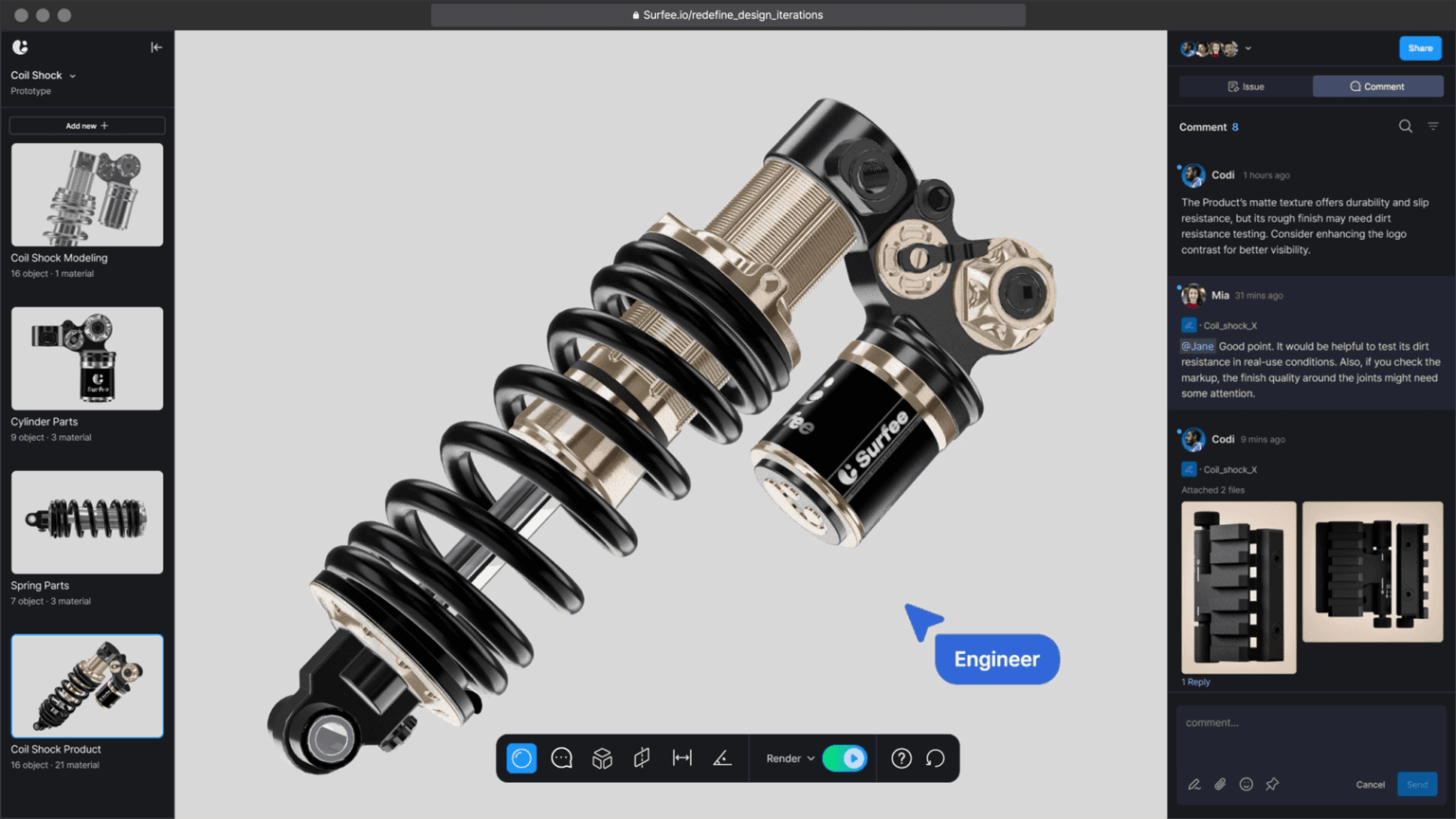
The reason current web-based 3D tools don’t directly support STEP files is due to technical limitations, focusing on formats optimized for web environments. Recently, support for common formats like OBJ, FBX, and STL, as well as CAD files like STEP, is increasing, showing continuous improvement in WebGL-based 3D tools.
However, as light loading and fast rendering remain critical, services often center around formats like glTF/GLB. For CAD users working with STEP files, it’s recommended to use Export in CAD software to convert to widely used formats like glTF/GLB, OBJ, STL, or FBX. Note that converting from STEP to GLB may result in parametric data loss, making it difficult to restore to STEP, so it’s best used for shape-sharing purposes.
If you’re a designer or engineer interested in web-based 3D tools, why not explore STEP-supporting tools and real-world use cases in other posts or check the supported format list before choosing a tool? This will help you find a tool that fits your workflow.